When your order includes eBooks (Licensed Products), you will have one of two views: Single or Multiple eBook licenses assignment.
Single eBook license assignment
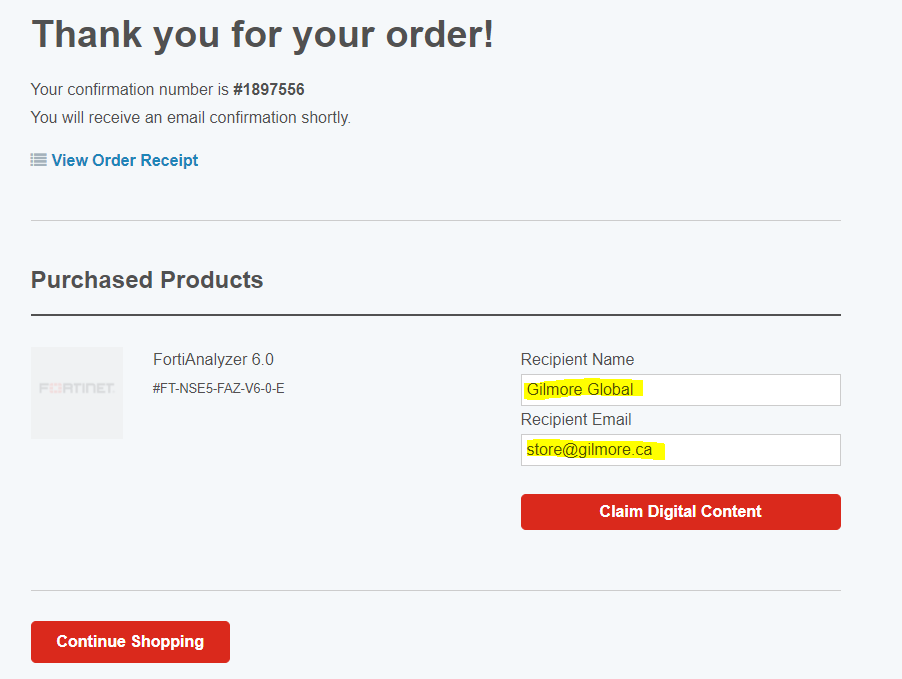
You can assign the license during the order confirmation phase.
The details will auto-fill with the order information, but modifications are possible. If necessary, you may click into the visible text box to edit the name and email to reflect the intended recipient's information, and then click Claim Digital Content to send an email containing the license for this product.
Multiple eBook license assignment
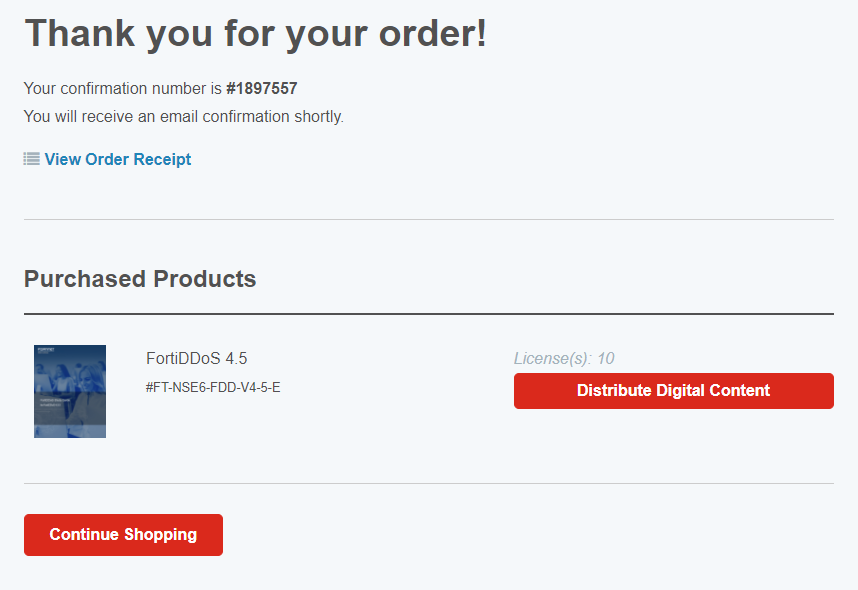
On the order confirmation page, click Distribute Digital Content to access the license codes.
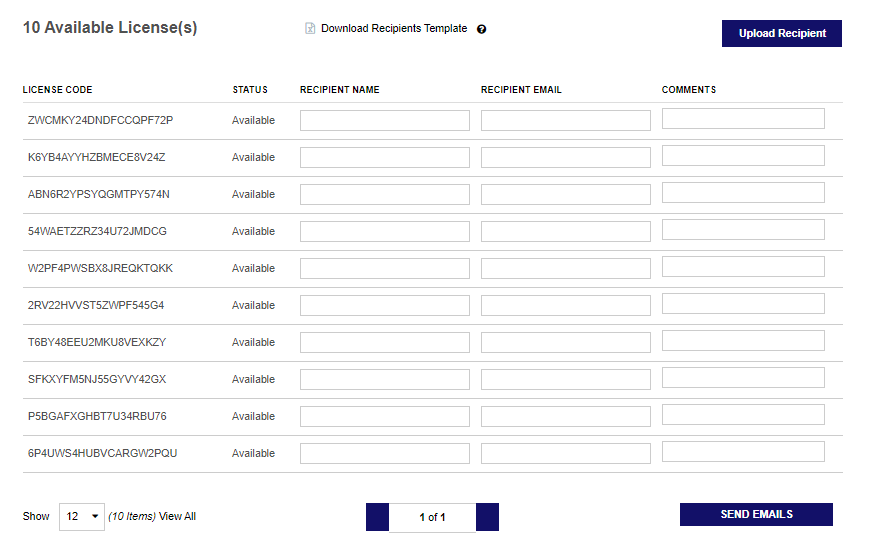
You will be directed to the following page, where you can manually input the recipient’s name and email details and send emails. Alternatively, click Download recipients Template, enter the information into the spreadsheet, and then upload it through Upload Recipient to fill the recipients' information in bulk. Click Send Emails to send the license codes.
How students can redeem the Gilmore eBook license code?
Was this article helpful?
That’s Great!
Thank you for your feedback
Sorry! We couldn't be helpful
Thank you for your feedback
Feedback sent
We appreciate your effort and will try to fix the article